
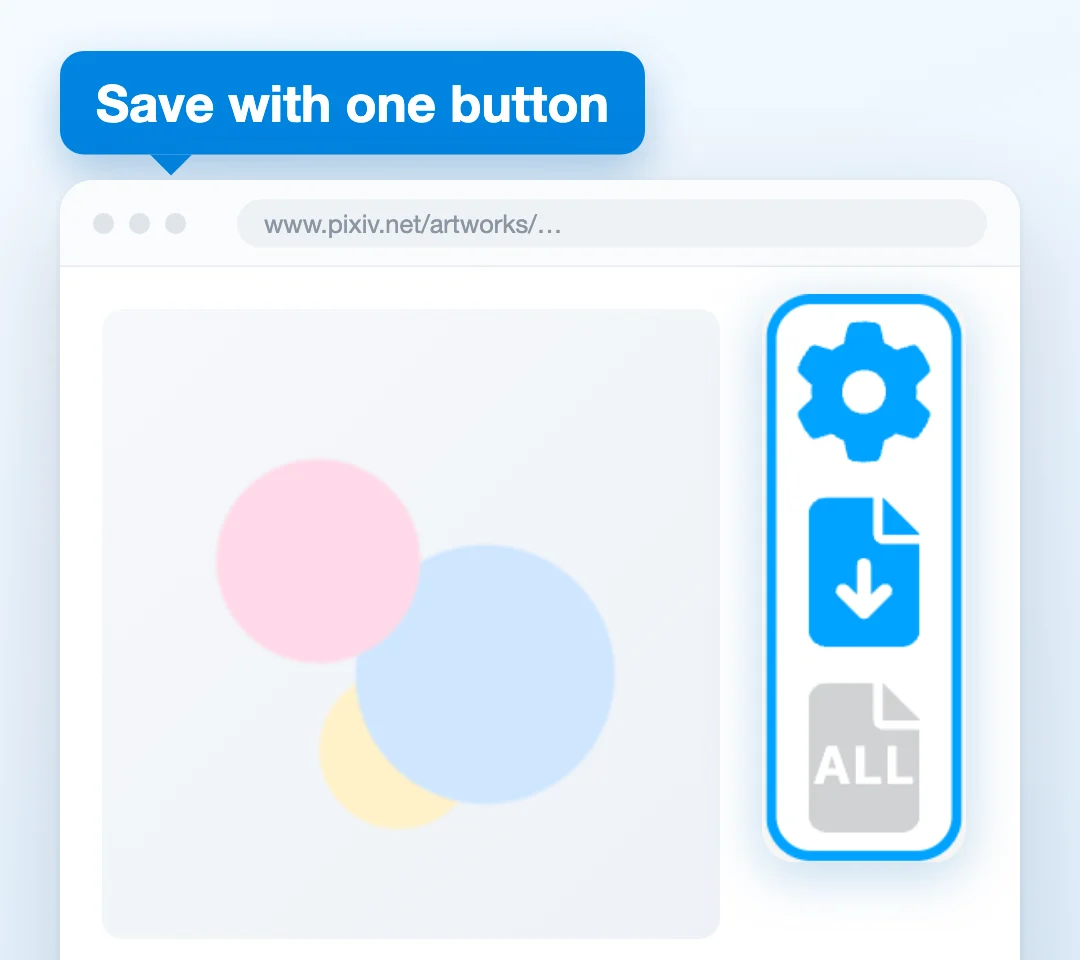
Save with one button
Just press the button on the right of a work page.
A pixiv downloader (Chrome extension)
Save illustrations, manga, novels and ugoira as PDF, EPUB and more with one button.
See how to use it on a PCAdd to Chrome for freeWorks on Chrome, Edge and Brave.
The free plan needs no credit card.
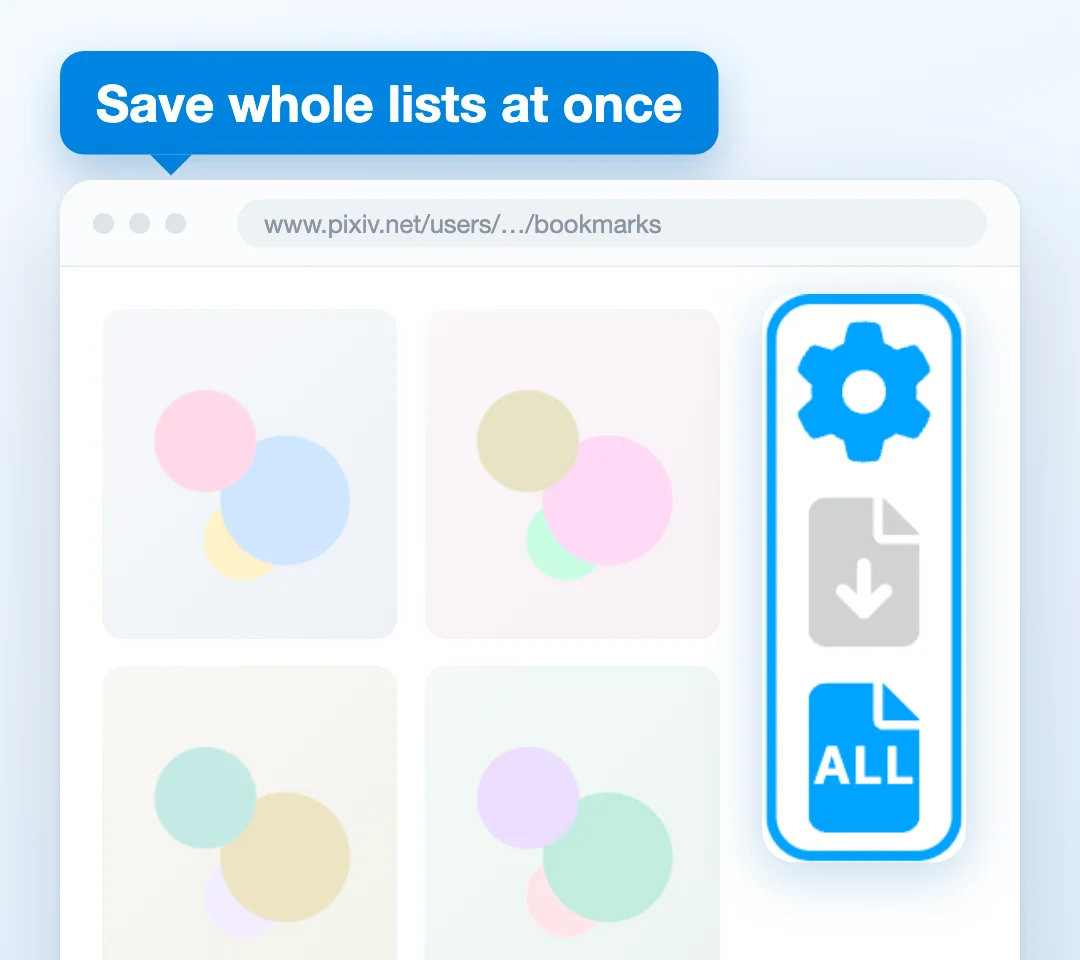
Just press the button on the right of a work page.
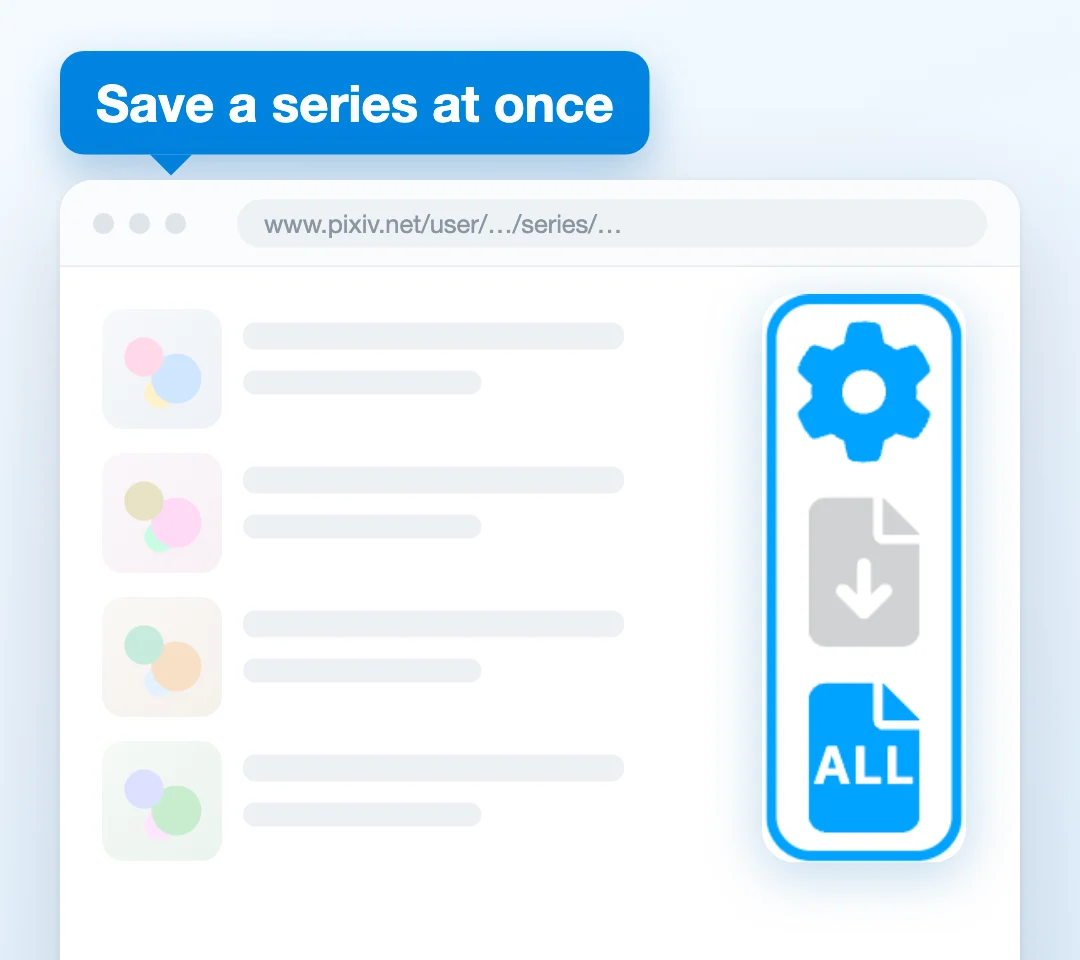
Press the bulk button (ALL) on a list page to save the works in the list at once.
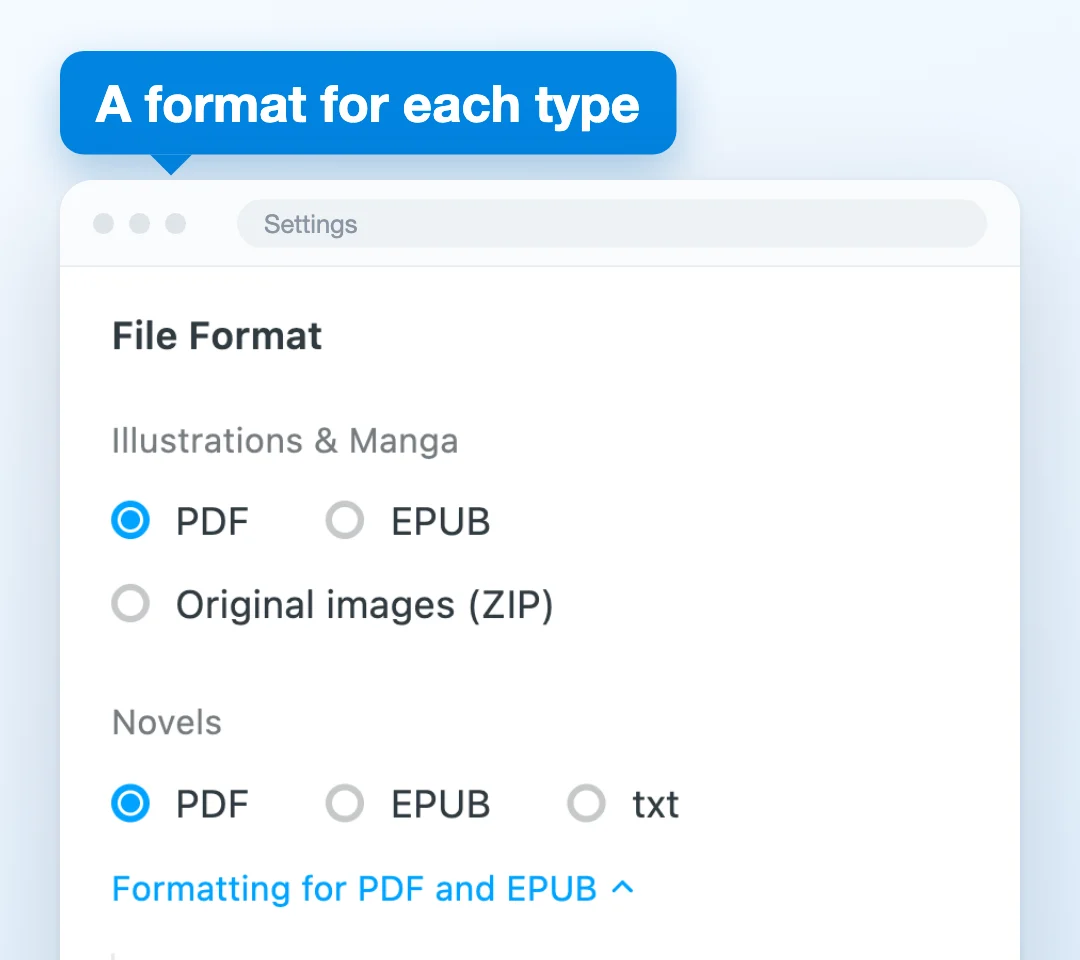
Save in 7 formats such as PDF, EPUB and ZIP. Novels can also be saved in vertical text.
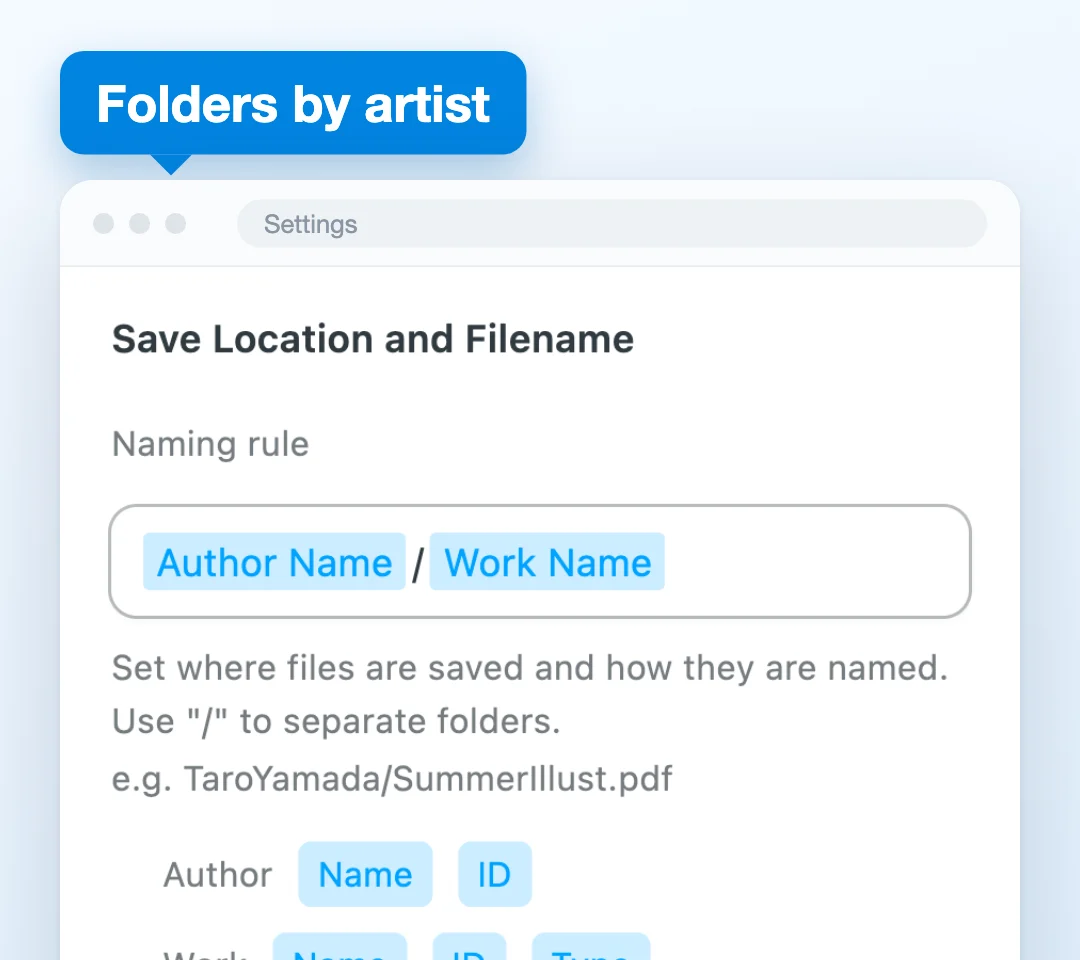
Sort folders and name files by artist or title.
Before
Open each one and save it, 100 times
The free plan saves 1 work per hour. With the paid plan, save as many as you like.
Add the extension from the Chrome Web Store.
Log in to pixiv and open a work or list page.
Press the button on the right to start saving.
$0
$5.50 / month
New users get 7 days free. Cancel within 7 days and you won't be charged.
Sign up from the side panel after adding the extension.
See how to use it on a PCAdd to Chrome for freeNo. It works on Chrome, Edge and Brave on a PC.
The artist does. Please keep them for your own personal enjoyment.
You can save any work you can view on pixiv. If your pixiv settings hide R-18 works, they are not saved.
Yes, anytime. Cancel from “Check Plan” in the side panel. The paid plan ends right away. New users who cancel within 7 days are not charged.
In your browser's Downloads folder. You can set subfolders and file names in the extension settings.